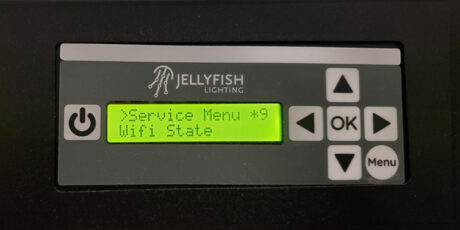
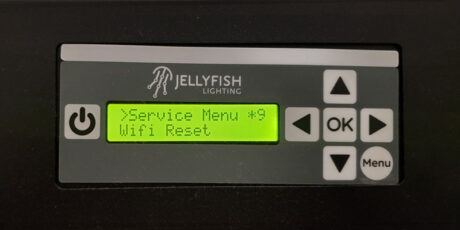
THE DISPLAY
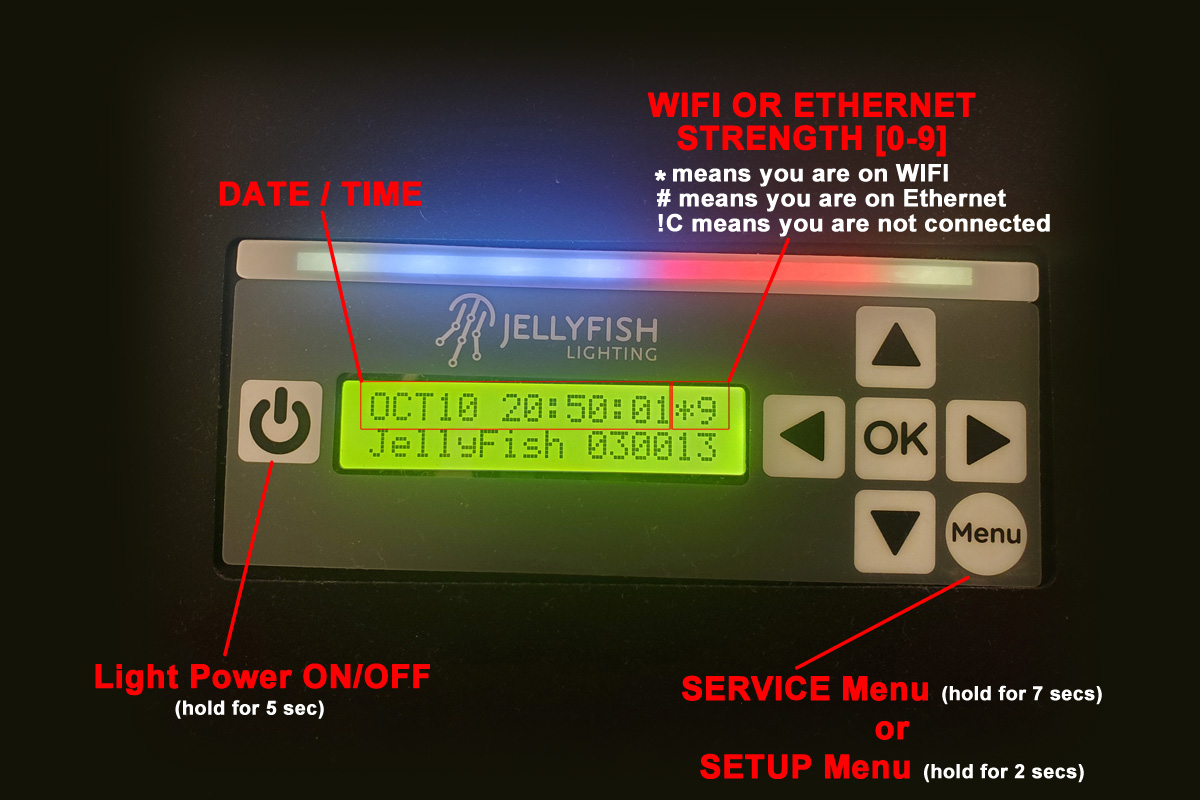
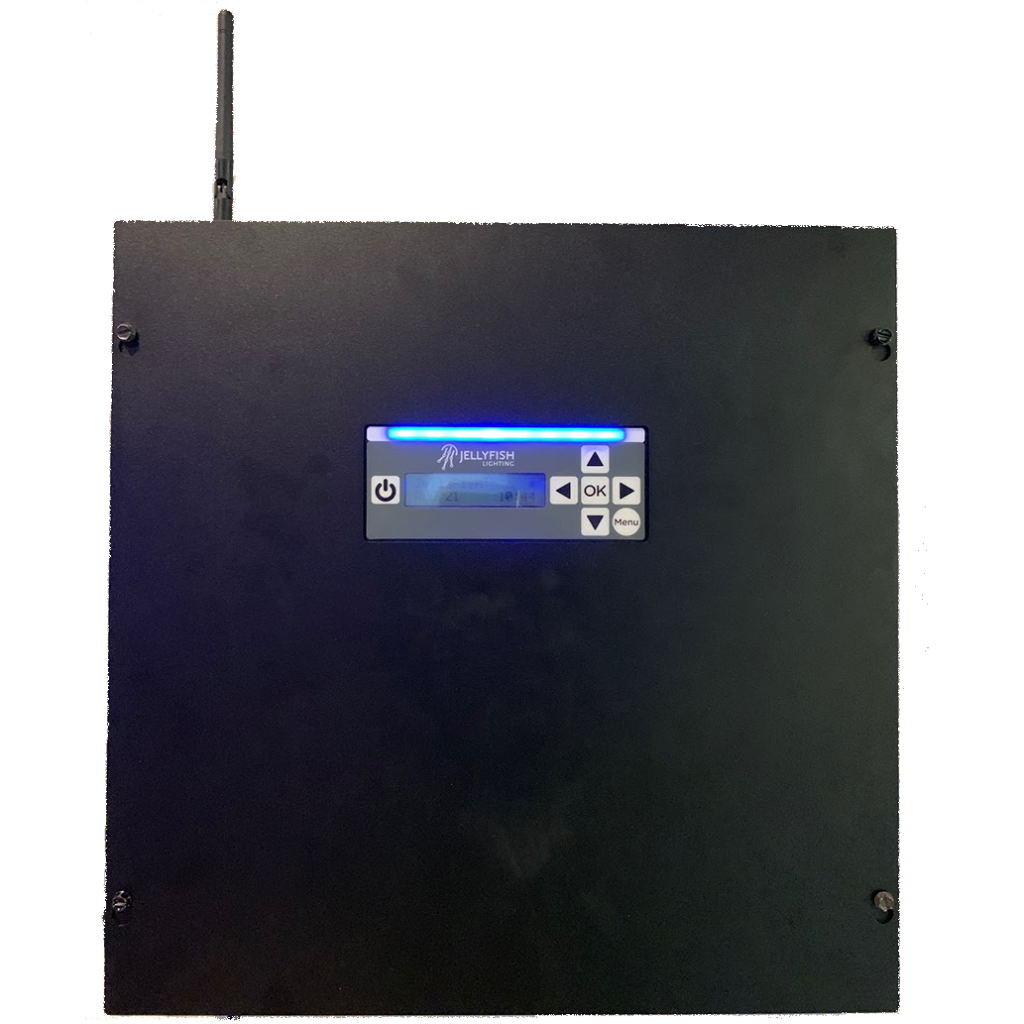
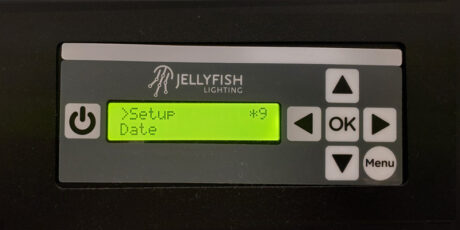
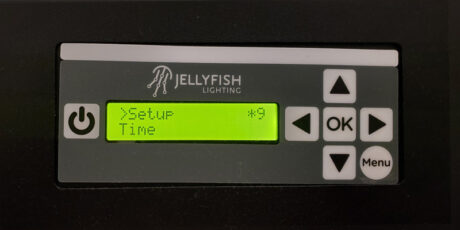
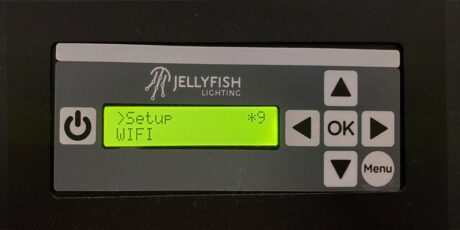
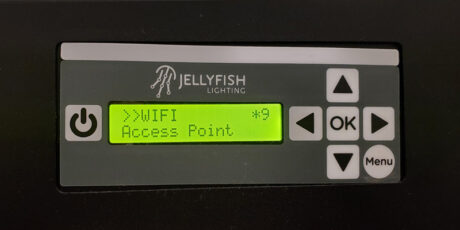
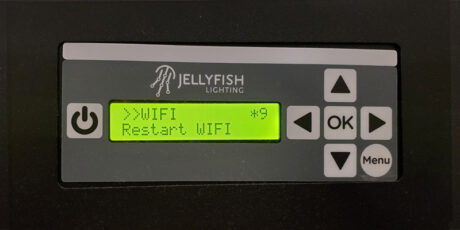
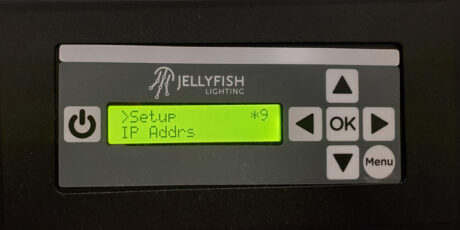
The rectangular opening in the Controller displays the following:
1. LIGHT POWER BUTTON – This button will manually turn the lights ON and OFF (hold for 5 seconds).
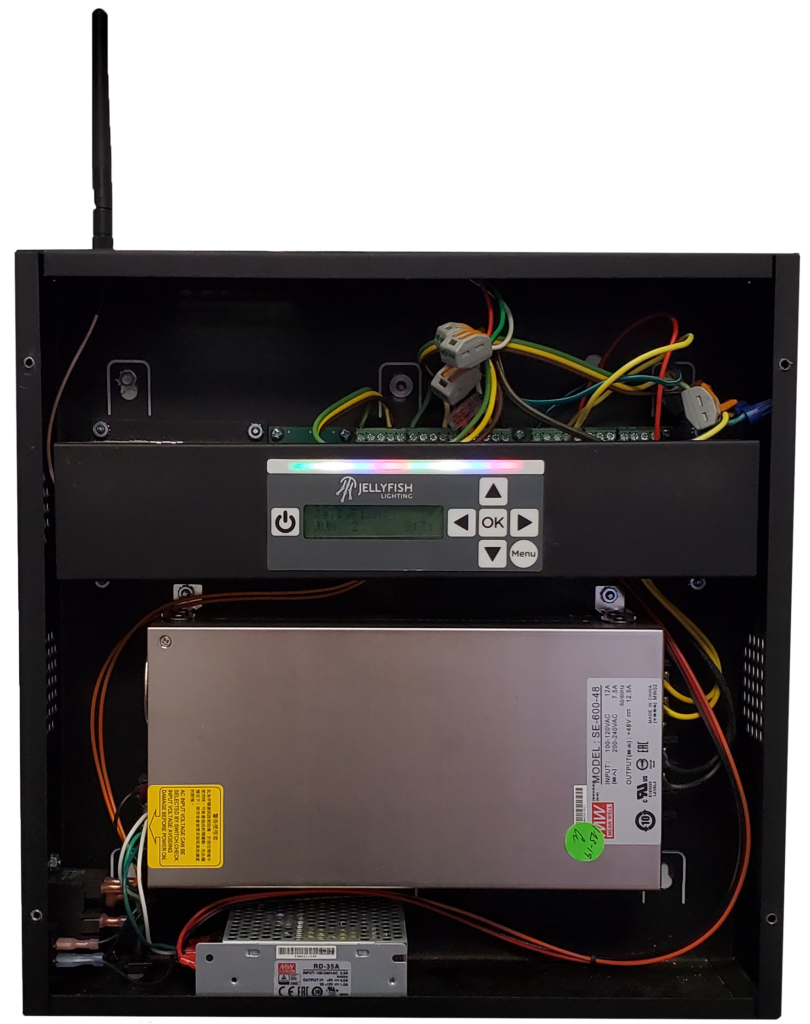
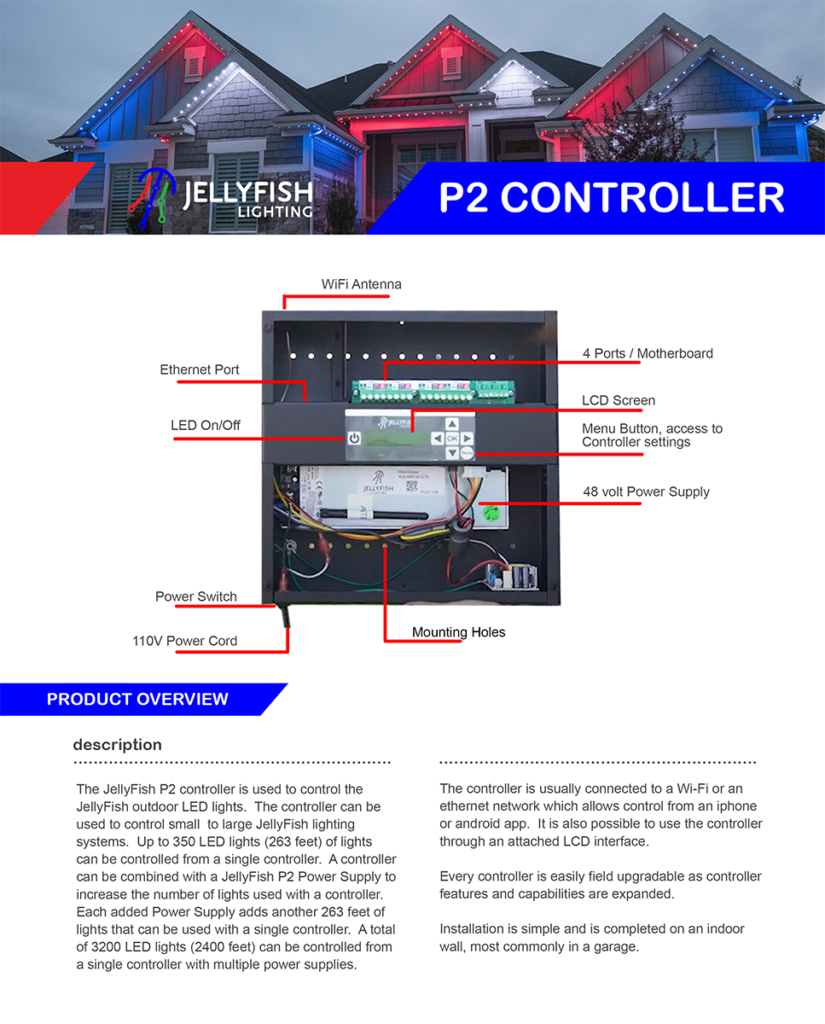
NOTE: This does NOT turn off the Controller. It only turns the lights ON/OFF manually. To turn the Controller ON/OFF there is a toggle switch on the bottom of the Controller box on the left side.
2. LED BAR – This is the top horizontal bar above the LCD display that will light up when the lights are on in an attempt to emulate the actual lighting that is being displayed on the outside of the home by the JellyFish Lights.
3. LCD DISPLAY – This is the LCD display that shows several informative things when in normal steady state mode
-
- DATE/TIME
- WIFI OR ETHERNET CONNECTION TYPE AND STRENGTH [0-9]
* (asterisk) means that you are connected via WIFI
# (pound) means that you are connected via Ethernet
!C means that you are not connected to any network
- SETUP and SERVICE MENUS